One picture · Four beats

Photo to Shan Shen Bu

A photo is the shortest path to a believable shan shen bu clip. The model gets a real face, a real outfit and a real room, and only has to invent the movement between them.

This page is the photo workflow: what to shoot, how the identity lock works, and what to change first when a render drifts.

Images on this page are AI-generated illustrations, not records of a real event.

Updated 23 October 2026

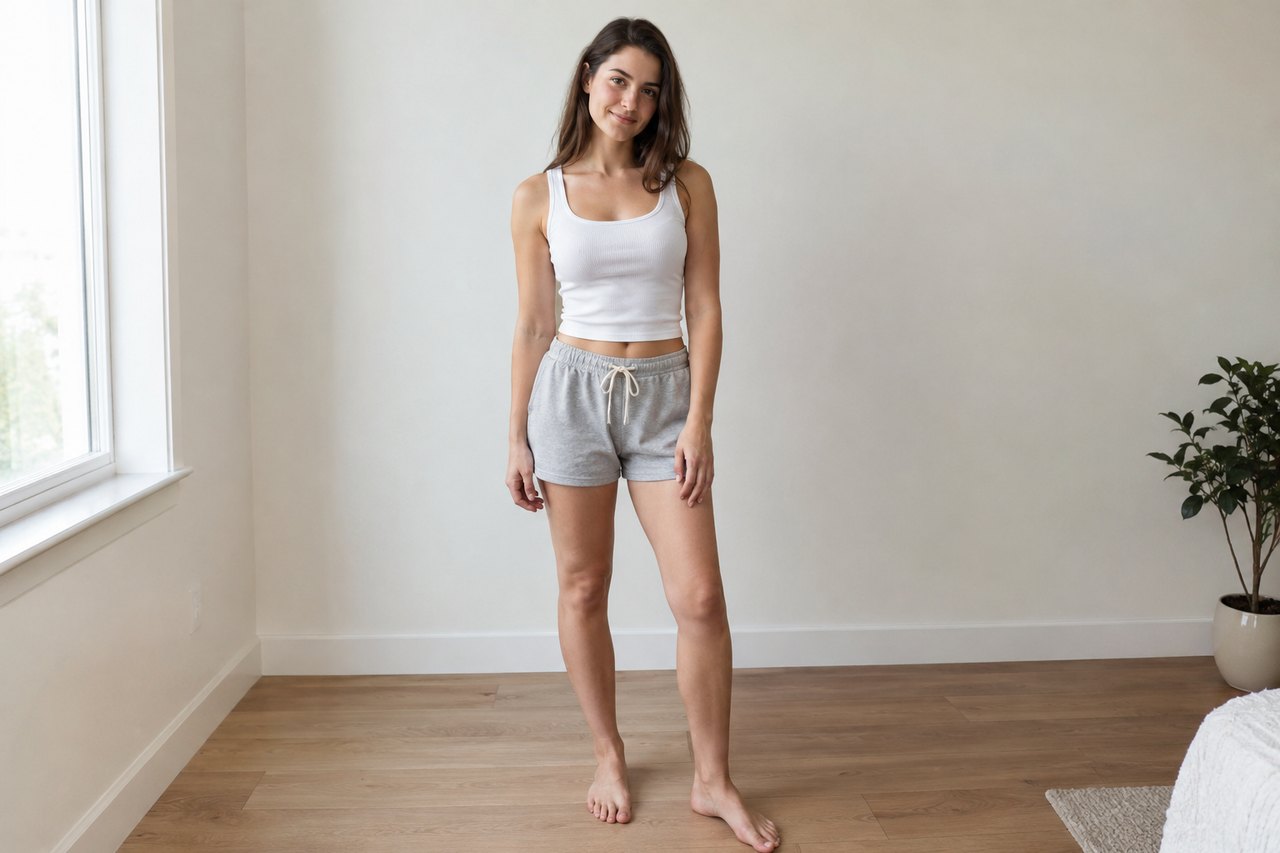
A full-body portrait of a dancer in casual clothes, standing in a bright studio, arms relaxed, ready to move
Length
10–15 seconds
Resolution
480p · 720p · 1080p
Aspect ratio
9:16 · 16:9 · 1:1
Watermark
None on paid renders
Model
Seedance 2.0
Moderation
SeeAPI, fail-closed

Shoot for the body, not the face

A tight headshot gives the model almost nothing to animate. Step back until the whole body, hands and feet are in frame.

Even light beats dramatic light

A plain wall and daylight preserve skin tone and fabric. A hard shadow across the face is the most common reason a likeness drifts.

One person, one action

A single subject doing one readable routine renders more reliably than a group scene with several things happening.

How it works

  1. 1

    Choose the photo

    Use a recent, sharp, full-body picture in daylight. Avoid screenshots, beauty filters and photos where the person is a small part of the frame.

  2. 2

    Pick a scene

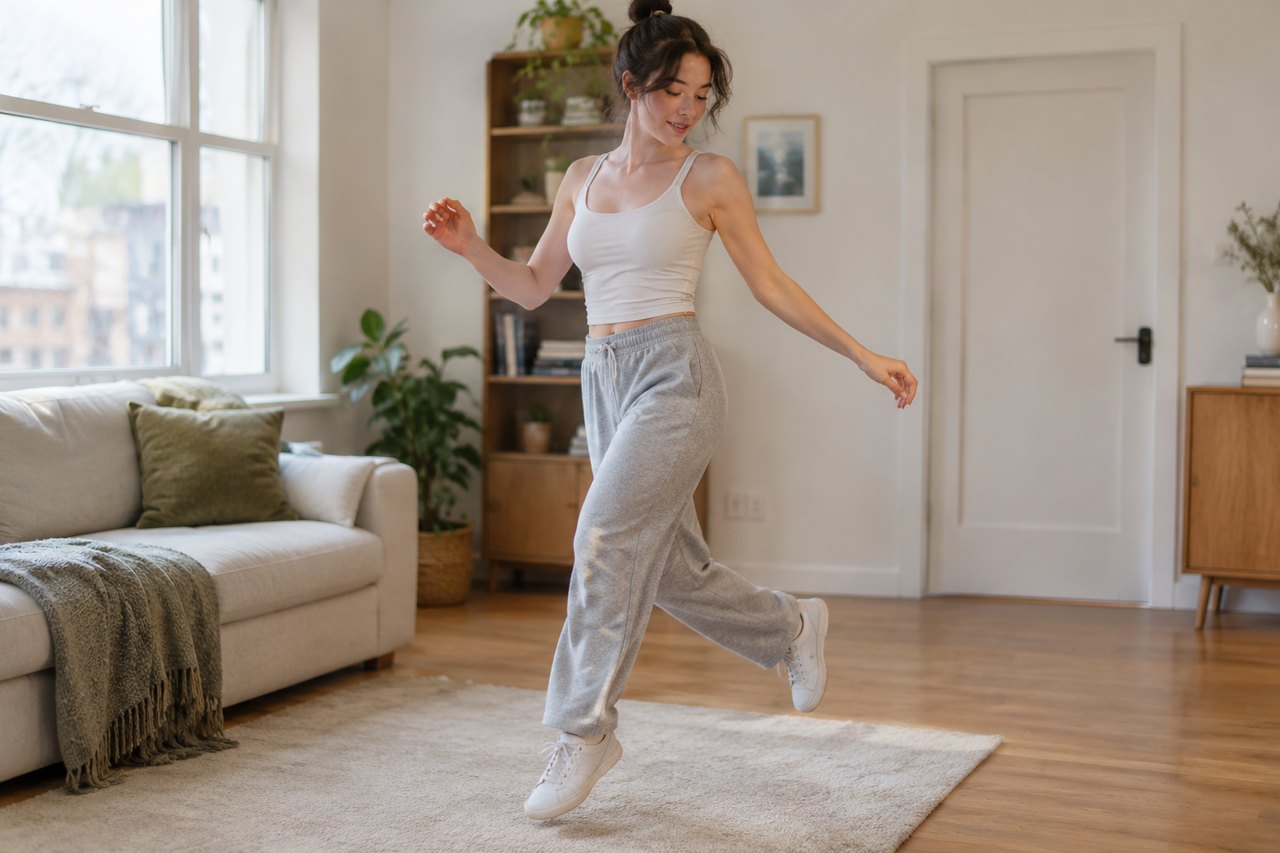
    Match the scene to the photo: a studio photo suits the blue practice hall, a desk photo suits the office escape, a sofa photo suits the living room.

  3. 3

    Confirm the credit cost

    A 10-second 720p clip is 30 credits; 12 seconds is 35. The button shows the exact price before anything is charged.

  4. 4

    Review the first render

    Check the face, hands and feet first, then the four beats. Change one variable at a time rather than rewriting the prompt.

Start from a tested prompt

Each prompt is complete: subject, scene, camera and what must not change. Copy it or open the studio with it pre-filled.

A vertical frame of a performer stepping sideways in a sunlit room, motion blur on the trailing foot

Blue practice hall

The original studio look: four beats, one fixed camera, deadpan face.

Prompt (English)

Bright blue mirrored dance studio with a wooden floor and a ballet barre along one wall. The subject performs the shan shen bu (闪身步) flash-step routine in four clear beats: first a sudden sideways dodge, stepping the feet wide apart and dropping low before springing back to centre; second a langzi kick, lifting one knee and kicking the foot out to the side while the opposite arm swings across; third a bear shake, both arms flinging up and outward while the shoulders and whole body shake; fourth a deadpan head sway that ends with a direct look into the camera. If a reference photo is attached, keep the exact face, hair, body, outfit and background; do not add a second person. Fixed phone camera at chest height, one continuous take, vertical 9:16, no text, no watermark.

Use in studio

Office escape

Dodge out of work in an open-plan corridor, then finish the routine.

Prompt (English)

A plain open-plan office corridor with desks, monitors and a colleague walking past in the background. The subject performs the shan shen bu routine in four beats: a sideways flash step, a knee-lift side kick with an arm swing, a full-body shake with both arms up, then a deadpan head sway and a look into the camera. If a reference photo is attached, keep the exact face, hair, body and outfit. Fixed phone camera at chest height, one continuous take, vertical 9:16, no text, no watermark.

Use in studio

Pet living room

A cat or dog does a playful version on its hind legs at home.

Prompt (English)

A cosy living room with a sofa, a rug and warm afternoon window light. The cat or dog from the reference photo stands on its hind legs and does a playful four-beat shan shen bu: a quick side-step, a little kick, a full-body shake of the fur, then a head sway to the camera. Keep the animal's exact breed, fur colour and markings; do not turn it into a person and do not add a second animal. Fixed low camera, one continuous take, vertical 9:16, no text, no watermark.

Use in studio

The photo checklist

The input should show the whole body, with the face and both hands visible and the feet uncropped. Daylight or a large window works better than a single ceiling light. A plain background helps the model separate the person from the room.

Glasses, hats, heavy jewellery and busy patterns are not forbidden, but they are the details most likely to wobble. If a specific accessory matters, say so in the prompt and keep the camera move simple.

How the identity lock works

Every preset includes an identity sentence: keep the same face, facial proportions, skin tone, hair, body type, outfit and background. That sentence is sent with the photo as a reference. It is a strong instruction, not a guarantee. Extreme angles, motion blur and partial bodies give the model less to work with.

When you want a different scene, change the scene sentence, not the identity sentence. Moving the person to a new room while keeping the same photo is usually fine; asking for a new face and a new room in one prompt is where identity gets lost.

Credits, failures and retries

The studio charges when it creates the task and refunds automatically if the render fails. A retry is a new charge; a failed attempt is not. The default 10-second 720p render is 30 credits, and a 12-second standard video is 35.

If the first result is close but not right, try one change: a shorter clip, a simpler background or a brighter photo. Three disciplined retries teach you more than ten random ones.

Questions people ask

Can I use a group photo?

Yes, if one person is clearly the subject. For two people doing the routine together, use the duo page and a photo where both faces are visible.

Do I need a professional camera?

No. A modern phone photo in daylight is enough, provided the whole body is sharp and the light is even.

Why does the face change between renders?

The model re-draws every frame. A sharper input, a front-facing pose and a simple scene reduce drift; a busy background or a moving camera increases it.

Can I upload a photo of a friend?

Only with their permission. You confirm that you have the right to use every photo you upload.

What resolution should I start with?

720p. It costs less and is easier to judge. Re-render the winning take at 1080p if you need a sharper file.

Is the result private?

Yes. Renders are tied to your account and are not published to a public feed.

Turn your photo into a clip

Start with the preset on this page, or write your own shot. Credits are shown before you generate, and failed renders are refunded.